Most businesses do not choose an ERP from a blank page. They start with spreadsheets, add an accounting package, bolt on an inventory tool and a CRM, and one day realise that half the team's week goes into copying data between them. At that point the question is not whether to get an ERP, but which kind.
This guide compares custom ERP and off-the-shelf ERP honestly, including where custom software is the wrong choice. It ends with a short scoring test you can run with your team in an hour.
The Short Answer
Choose off-the-shelf ERP when your processes are close to standard for your industry, you can adapt your workflows to the software, and you need to be live quickly.
Choose custom ERP when the way you work is part of your advantage, when you already rely on heavy workarounds, or when per-user licence fees grow faster than the value you get from them.
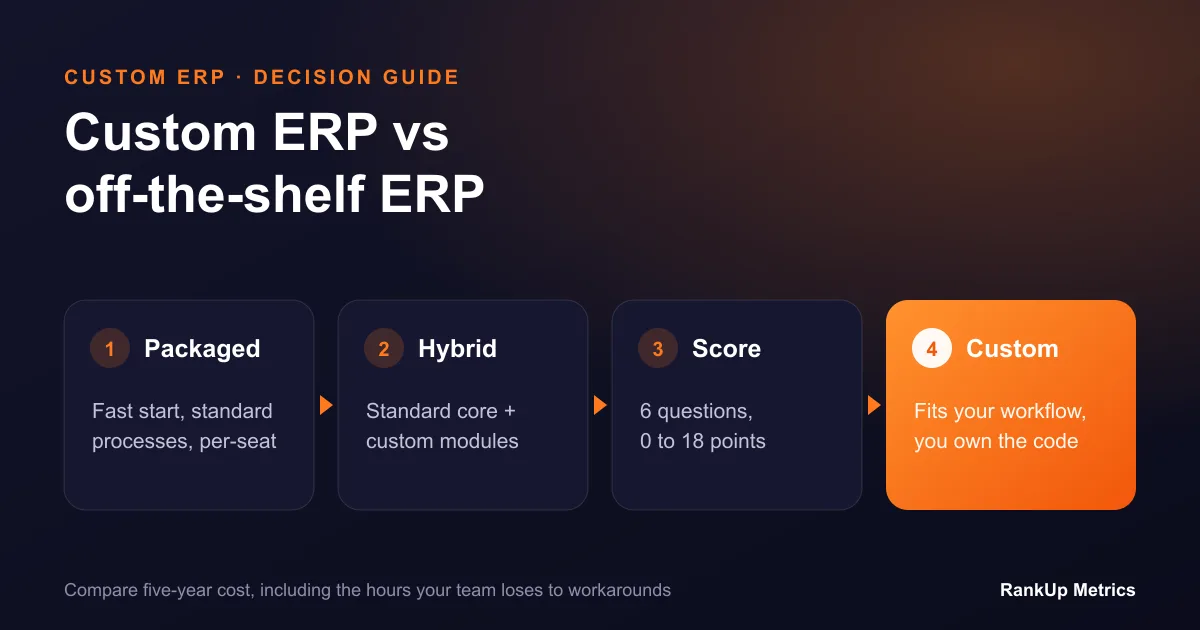
Many businesses end up with a hybrid: a standard accounting core, with custom modules for the operations that make them different.
What Each Option Really Means
Off-the-shelf ERP is a packaged product such as NetSuite, SAP Business One, Microsoft Dynamics 365, Odoo or an industry-specific system. You configure it, add approved extensions, and adapt your processes to its model. You pay licence or subscription fees, usually per user, plus implementation.
Custom ERP is software built around your workflows. It may use proven open-source components and connect to your existing accounting system, but the screens, data model, rules and automations are designed for how your team works. You pay for the build and for ongoing support, and you own or control the code.
Side-by-Side Comparison
| Factor | Off-the-shelf ERP | Custom ERP |
|---|---|---|
| Time to first use | Faster for standard processes | Slower at first; phased releases help |
| Fit to your workflows | You adapt to the software | The software adapts to you |
| Upfront cost | Lower to moderate, plus implementation | Higher build cost |
| Ongoing cost | Licences grow with users and modules | Support and hosting; no per-seat fees in most builds |
| Customisation | Limited to configuration and extensions | Anything the business case justifies |
| Integrations | Good for popular tools, harder for niche ones | Built for your exact systems |
| Upgrades | Vendor-controlled, can break customisations | You decide when and what to change |
| Vendor risk | Price rises, product changes, lock-in | Dependency on your development partner unless code and documentation are yours |
| Best for | Standard processes, quick start | Distinctive processes, scale, complex operations |
Signs Off-the-Shelf ERP Is the Right Choice
- Your processes match what most businesses in your sector do.
- You have fewer users and do not expect that to grow quickly.
- Your main need is financial control, standard inventory and reporting.
- You cannot wait several months for a phased build.
- Your team is happy to change how it works to fit a proven system.
In these cases, custom software often adds cost without adding much value. A well-implemented packaged ERP is the sensible choice.
Signs It Is Time to Switch to Custom ERP
- Workarounds have become the system. Staff export data to spreadsheets to do what the ERP cannot, then re-import it.
- Customisation keeps breaking. Each vendor upgrade forces rework on your extensions.
- Licence costs outpace value. You pay for full seats for warehouse, field or occasional users who need two screens.
- Your process is your edge. Your pricing, production scheduling, job costing or fulfilment rules are what customers choose you for, and the package flattens them.
- Integrations are fragile. Data between your ERP, e-commerce, CRM, logistics partners and machines moves through manual uploads or brittle connectors.
- You need one view across companies or countries. Multi-entity, multi-currency or multi-warehouse operations with rules the package handles poorly.
If three or more of these sound familiar, a custom or hybrid approach is worth costing properly.
The Total Cost Question
Comparing only the first-year cost favours off-the-shelf software. Compare over five years instead, and include:
- Licences or subscriptions for every user and module you will need as you grow.
- Implementation and configuration, including data migration and training.
- Extensions and integrations, and the work needed to keep them working after upgrades.
- Internal time lost to workarounds: estimate hours per week, multiplied by staff cost.
- Build cost for custom software, and support, hosting and improvement after launch.
Workaround time is the line most businesses leave out, and it is often the largest. Ten people spending three hours a week on manual data handling is about 1,500 hours a year.
How Custom ERP Projects Reduce Risk
The biggest fear with custom ERP is a long project that never finishes. Good projects manage that risk by design:
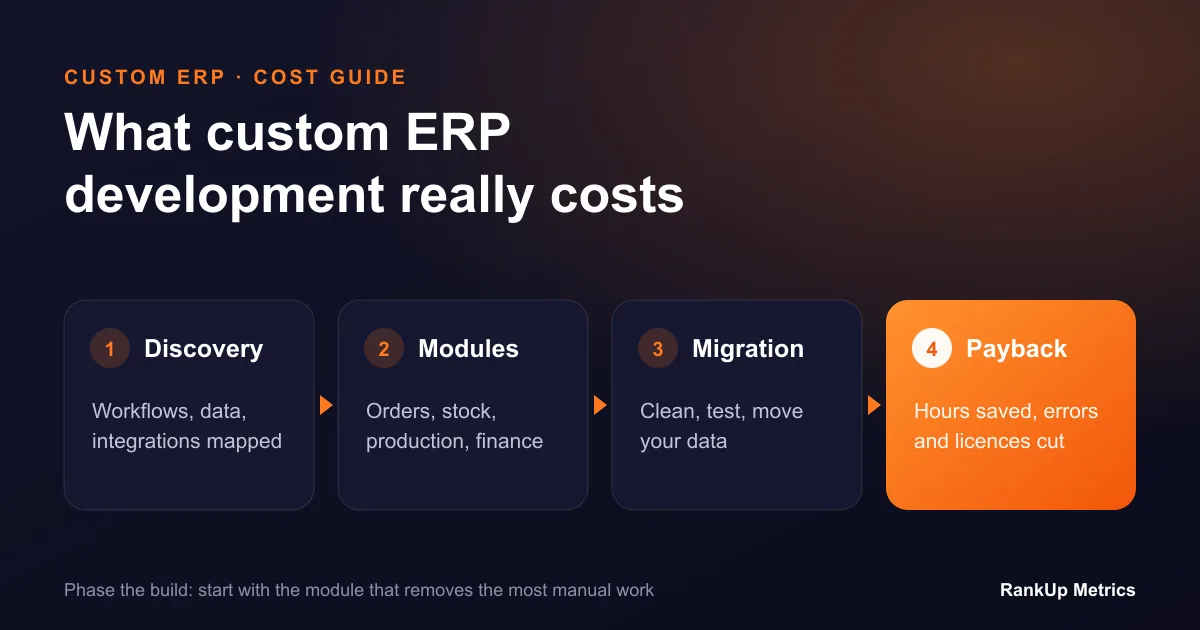
- Discovery first. Map the real workflows, data and integrations before writing code, and agree what success looks like.
- Phased delivery. Release the module that removes the most pain first, such as order processing or inventory, and use it in production while the next module is built.
- Keep what works. There is no need to replace a reliable accounting package. Integrate with it.
- Own the code and documentation. Make sure the contract gives you the source code, hosting access and documentation, so you are not locked to one supplier.
- Plan the data migration early. Clean and test the data move several times before go-live.
A One-Hour Scoring Test
Score each statement from 0 (not true) to 3 (very true) with the people who use your systems every day:
- Our core processes differ from the industry standard in ways customers value.
- Staff rely on spreadsheets or manual steps to fill gaps in our current tools.
- We expect our number of users, sites or entities to grow significantly.
- We need tight integrations with tools that packaged ERPs do not support well.
- Vendor upgrades or limits have blocked changes we needed.
- Per-user licence fees are a growing concern.
0 to 6: a packaged ERP is probably the better fit. 7 to 12: look at a hybrid with custom modules for the high-scoring areas. 13 to 18: a custom ERP is likely to pay off, and is worth a proper discovery phase.
Next Steps
If you are weighing the options, start by writing down your five most painful workflows and the systems involved in each. That list is the foundation of either decision.
Our custom ERP and enterprise software team runs discovery workshops that map these workflows and compare a packaged, hybrid and custom approach on cost and risk. For the wider picture, read why custom ERP and product engineering win at scale and how AI can work inside an ERP.