Most teams that want "AI" do not need a new platform. They need the sales rep to stop retyping enquiries into the CRM, the operations manager to stop chasing order statuses across three systems, and the finance team to stop matching invoices by hand. Those are integration problems, and AI is now good enough to solve many of them inside the tools you already use.
This guide explains eight practical workflows for AI integration with an existing CRM and ERP, the patterns that make them work, the privacy and accuracy rules to follow, and a 30-day plan to prove value before you spend more.
How AI Integration Actually Works
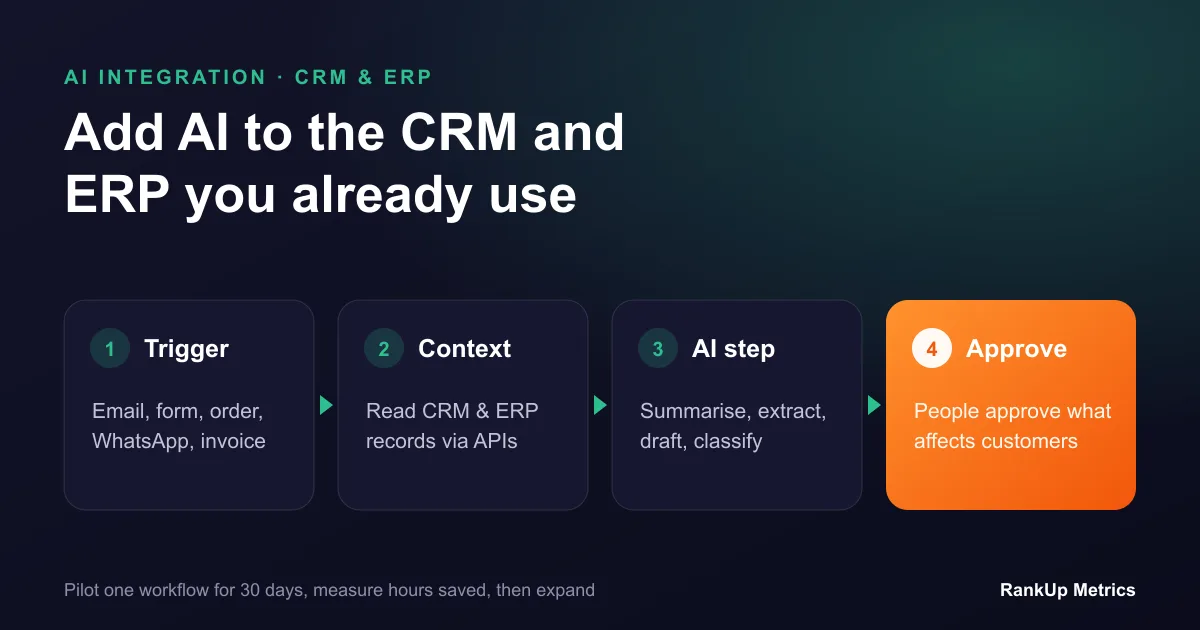
AI integration is not a chatbot bolted onto your website. It usually has four parts:
- A trigger: a new email, form, WhatsApp message, order, invoice or status change.
- Context from your systems: the AI reads the relevant CRM or ERP records through their APIs, only with the access it needs.
- An AI step: summarise, classify, extract data, draft a reply or suggest the next action.
- An action with a rule: create or update a record, notify someone, or send a draft for approval.
The fourth step is where most of the risk sits, so the rule is simple: AI can prepare, people approve anything that affects customers, prices, money or contracts. As confidence grows, low-risk steps such as tagging or routing can run automatically.
8 Workflows That Save Hours
1. Enquiry capture and qualification
New enquiries from forms, email and WhatsApp are read by AI, which extracts the name, company, need, budget hints and urgency, creates or updates the CRM contact and deal, and routes it to the right person. Sales starts with a clean record instead of a forwarded email.
2. Meeting and call summaries into the CRM
After a sales call, AI writes a short summary, key requirements, objections and next steps to the CRM record and creates follow-up tasks. Reps spend minutes, not half an hour, on admin after each call.
3. Drafted follow-up emails
Using the deal history and the last conversation, AI drafts a personalised follow-up for the rep to edit and send. It keeps follow-ups consistent without making them sound like templates.
4. Order status answers for customers and staff
When someone asks "where is my order?", AI looks up the order in the ERP and the shipment with the carrier, and drafts an accurate answer. Staff approve it, or customers see it directly once the workflow has proven reliable.
5. Invoice and purchase order data extraction
AI reads supplier invoices and purchase orders from email or PDFs, extracts line items, totals and references, and matches them to records in the ERP. Exceptions go to a person. Clean matches are prepared for approval in bulk.
6. Inventory and reorder suggestions
AI reviews stock levels, open orders, lead times and recent demand, then suggests reorder quantities with the reasoning shown. Buyers approve or adjust the purchase orders.
7. Internal knowledge assistant
Staff ask questions in plain language, such as "what are our payment terms for this customer?" or "how do we process a return for this product line?", and the assistant answers from approved documents and records, linking the source. Access follows the user's existing permissions.
8. Management summaries
Every Monday, AI prepares a short summary of pipeline changes, overdue invoices, late orders and unusual patterns from the CRM and ERP, with links to the underlying records. Managers get the picture without building reports.
Integration Patterns to Choose From
- Native AI features in your CRM or ERP. Quickest to start, but limited to what the vendor offers.
- Automation platforms such as Make, Zapier or n8n. Good for simple, low-volume workflows and prototypes.
- Custom integration layer. A small service that connects your systems through their APIs, calls the AI model and applies your business rules. Best for higher volumes, complex rules, legacy systems or strict data control.
Many businesses prove a workflow on an automation platform, then move it to a custom layer once it handles real volume.
Data Privacy and Accuracy Rules
- Send the minimum data. Pass only the fields the AI step needs, not full customer records.
- Choose providers carefully. Use business AI services that do not train on your data, with clear data processing terms and suitable data location for your obligations under GDPR, UK GDPR or local laws such as Saudi Arabia's PDPL.
- Respect existing permissions. The AI should never show a user data they could not see in the CRM or ERP themselves.
- Ground answers in records. Make the AI answer from your data and cite the record, instead of relying on its general knowledge.
- Log everything. Keep a record of what the AI read, produced and changed, and who approved it.
- Test with real examples. Before going live, run the workflow on past cases and check accuracy with the people who do the work today.
A 30-Day Pilot Plan
Week 1: Pick one workflow. Choose a repetitive task with clear inputs, high volume and low risk. Enquiry capture or call summaries are good first choices. Measure how long it takes today.
Week 2: Build the first version. Connect the systems, define the AI step and the approval rule, and test on past examples.
Week 3: Run it alongside people. The AI prepares, staff review every output. Track accuracy, time saved and edits made.
Week 4: Decide. Compare time saved and error rates with the baseline. If the numbers hold, automate the low-risk steps and plan the next workflow.
A pilot like this usually costs far less than a new system and gives you real evidence before you commit to a larger rollout.
Next Steps
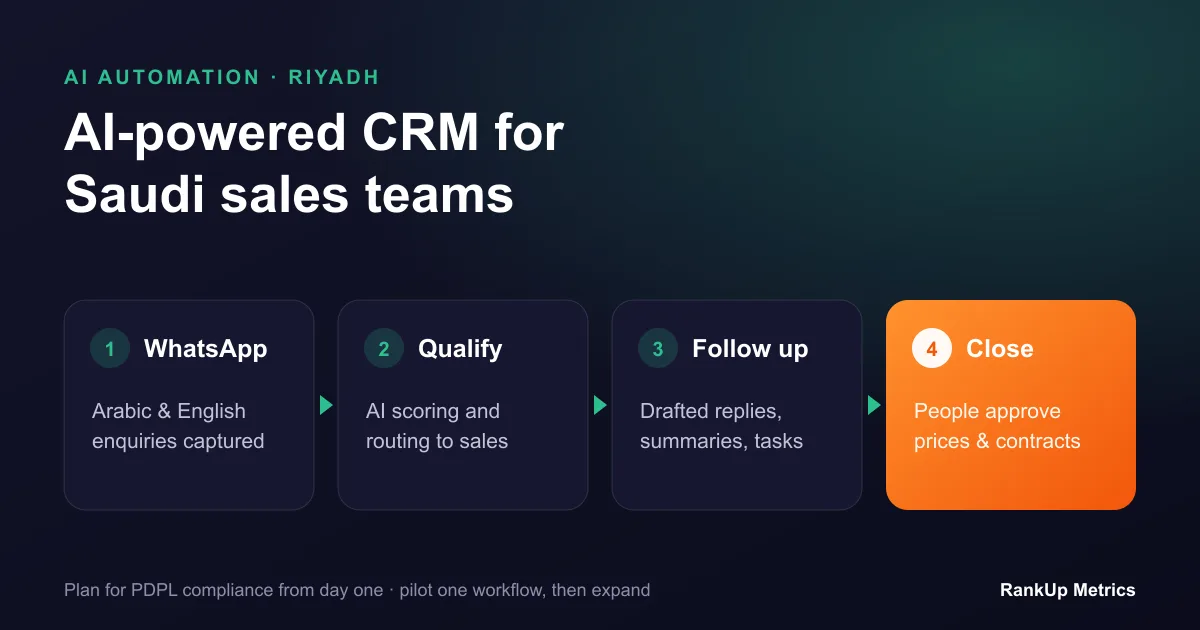
If you want help choosing and building the first workflow, our AI integration and automation team connects AI to existing CRMs, ERPs, email and WhatsApp with approval steps built in. If your current systems are the bottleneck, compare a custom ERP vs off-the-shelf ERP, read how to choose AI-ready CRM software, or see how this works in practice in our guide to AI-powered CRM in Saudi Arabia.